Account Deletion
We're sorry to see you go. Here's how you can delete your Dolphy account.
Delete Your Account from the App
The easiest way to delete your account is directly from the Dolphy mobile app. Follow these simple steps:
1
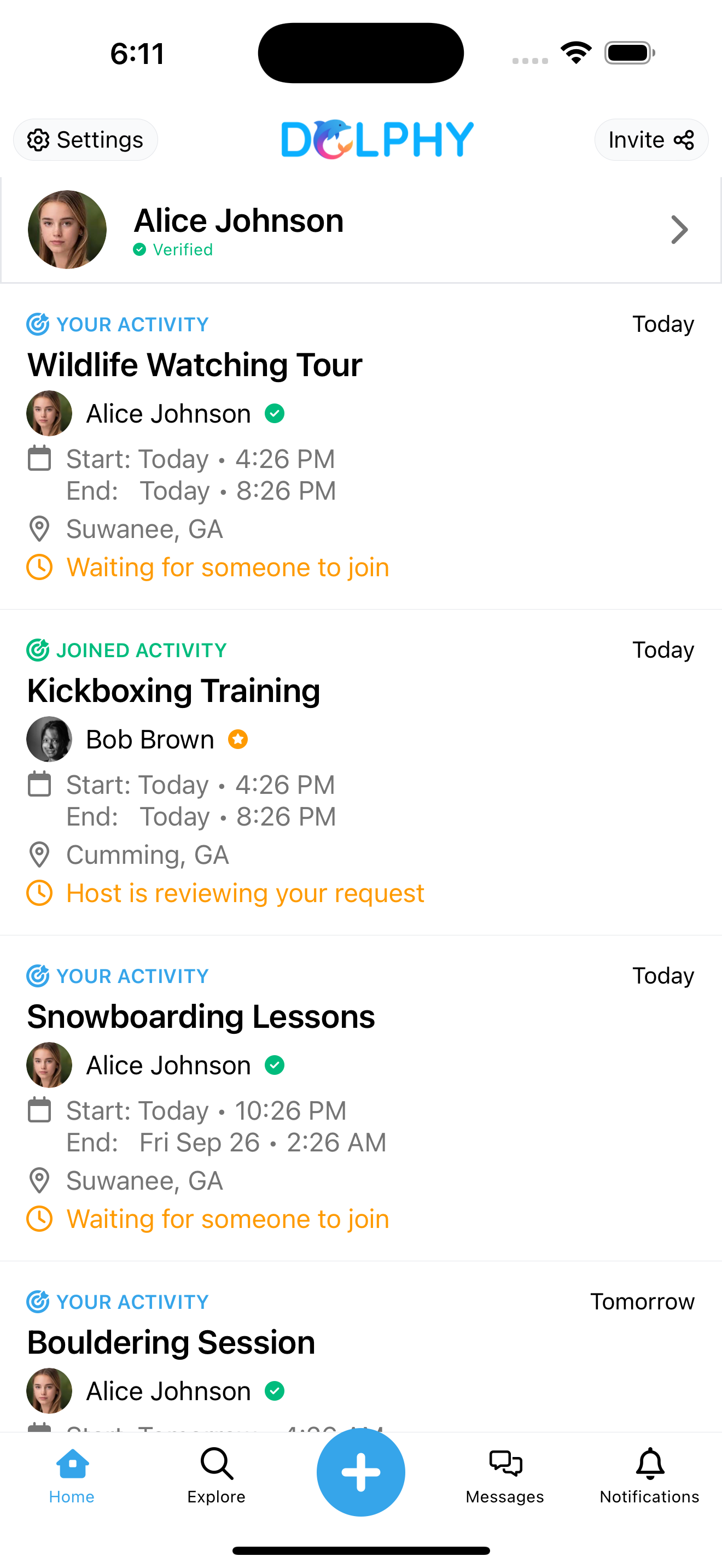
Open Settings
Open the Dolphy app and navigate to your profile, then tap on "Settings".
2
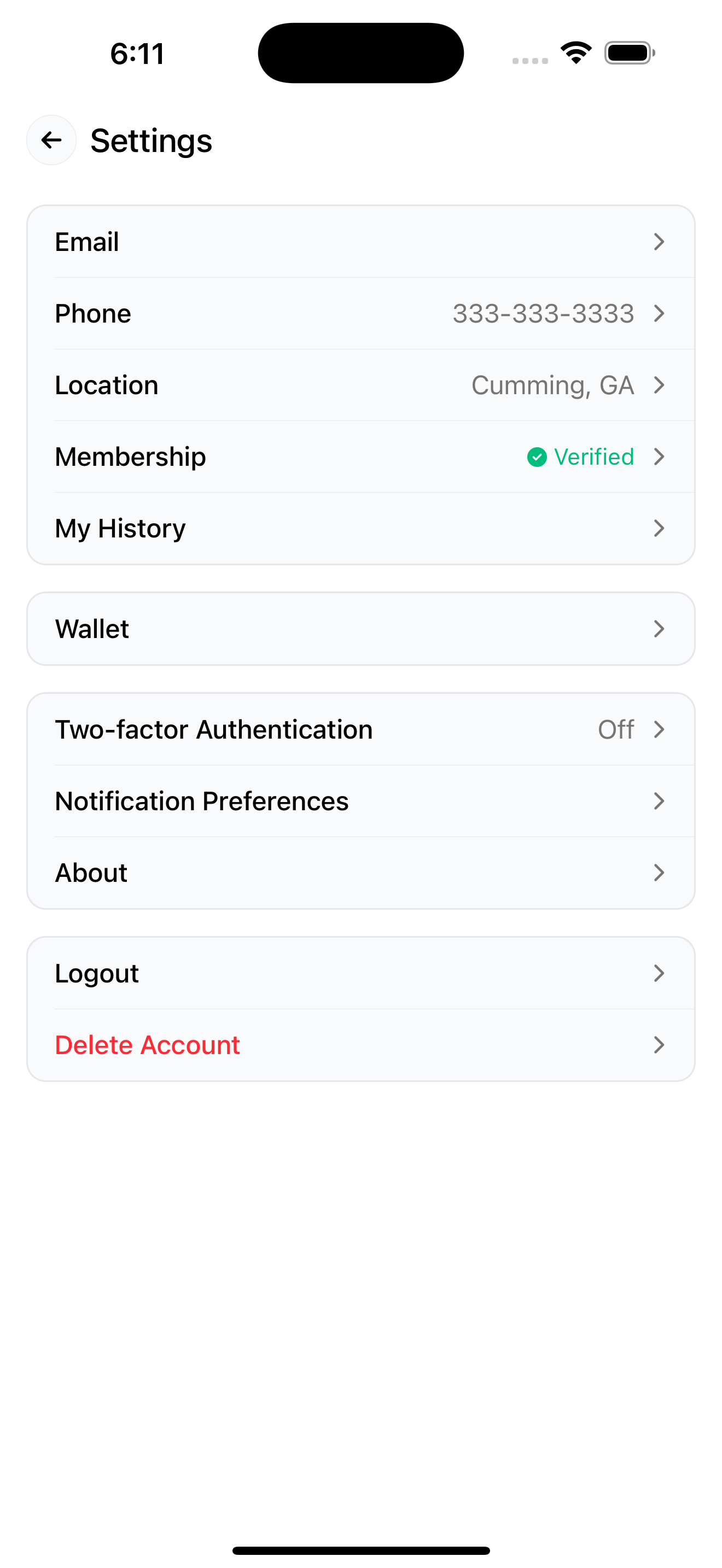
Delete Account
Look for "Delete Account" option and follow the confirmation steps.
Request Account Deletion
If you're unable to delete your account through the app, you can submit a deletion request below. We'll process your request within 30 days.
What will be permanently deleted
- Your profile and all personal information
- All your posts, photos, and content
- Your connections and conversations
- Activity history and preferences
- Any associated data and settings
This action cannot be undone. Please ensure you've downloaded any content you want to keep.
What happens next?
- We'll send a confirmation email to verify your request
- Your account will be scheduled for deletion within 30 days
- You'll receive a final confirmation when the deletion is complete
- During this period, your account will be deactivated but not yet deleted
If you have any questions about account deletion or need assistance, we're here to help.
Contact Support